We’ve all been there.
The calendar notification pings. You finish your previous meeting (which ran over by three minutes), and as the Zoom window for your next 1:1 pops up, you’re frantically tabbing through Google Docs and Slack. You’re trying to remember: What did we talk about last time? Did that project go okay? Wait, did they mention a vacation or a baby?
You’re “prepping” while the meeting is already happening. You’re physically present, but mentally, you’re a detective trying to solve the mystery of your own calendar and trying to switch off the last meeting.
It’s a common trap for managers, especially as their direct reports grow and they now have skip level 1-1s, or skip-skip level 1-1s. Our schedules are a mosaic of context-switching, and unfortunately, the deep, reflective prep our direct reports deserve is often the first thing to get squeezed out as we are dealing with incidents or other emergencies.
From “Zero Prep” to “Instant Context”
Recently, I decided to stop trying to win the battle against my calendar and started using a Gemini Gem to bridge the gap. To prepare properly, I’d find myself starting my day at 7:00 AM or prepping late at night after the kids were in bed. Both impacted my family life, and frankly, it wasn’t a sustainable way to lead.
I don’t want the AI to tell me how to lead. I wanted it to give me a “Briefing Folder” in the 60 seconds before I join the meeting. In this post I share how I created a custom Gem with a specific set of instructions that hooks into my actual work data.
The “Chief of Staff” Prompt
If you’re using a tool like Gemini, you can create a Gem with a set of "Instructions”, which is the prompt. This allows you to essentially automate setting the same context for the AI to prepare something useful for you. Here is the exact logic I use to get my head in the game for my 1-1s and skip level 1-1s.
The Prompt: "You are my personal assistant who gives me a summary of what people I’m working with have been up to in the past 12 weeks and are due to work on in the coming quarter so I have context going into the conversation.
I will give you the name of the person I am meeting with and you should use information you get from my email and docs to tell me what they have been up to the past 8-12 weeks and what they are going to be working on for the next 8-12 weeks.
To help tell what they’ll work on next quarter, use [Link to my Planning Doc] for a high level but augment it with any other info you have.
Suggest a few growth areas for the person based on what you know. Finally, suggest a few agenda topics to discuss. Include links to sources so I can dig in if I need to.
Look in my documents and find a file named ’ - 1-1 notes’ (e.g., ‘Joe Bloggs - 1-1 notes’) to help you with agenda topics and past discussions. This is a private file I use to track my notes from previous 1-1s."
Why this works for me
-
The “Hollow” 1:1 is gone: Instead of starting the meeting with “So, what’s on your mind?” (code for: I have no idea what you’ve been doing), I can start with, “I saw the progress on the Q3 roadmap and your notes on the infra bottleneck - how are you feeling about that?”. Or even better, I can break the ice by continuing a personal discussion we had the last time - “How did your holiday to the Maldives go?” During these 1-1s I write messy notes in a private google doc I maintain for each person and over time it helps keep context of where we are.
-
It forces a Growth mindset: By asking the AI to suggest growth areas based on our past notes (it has access to prior annual or quarterly reviews I have written up), I’m prompted to think about their career trajectory every week, not just during the annual performance review.
-
It avoids the recency bias: As I ask for a viewpoint over the past quarter, and I can include links to prior reviews it helps me avoid just talking about what happened in the past few days, and instead the AI allows me to keep a consistent 12-week arc every time we meet.
-
Building the Muscle: Using AI for this mundane, administrative task helped me understand how “Prompting” works in a low-stakes environment. It’s a microcosm of how we’ll soon be prompting our entire organizations. This was the first prompt (you can probably tell from the prompt itself!)I made and the first real use case where I really got value quickly from AI.
The Shift
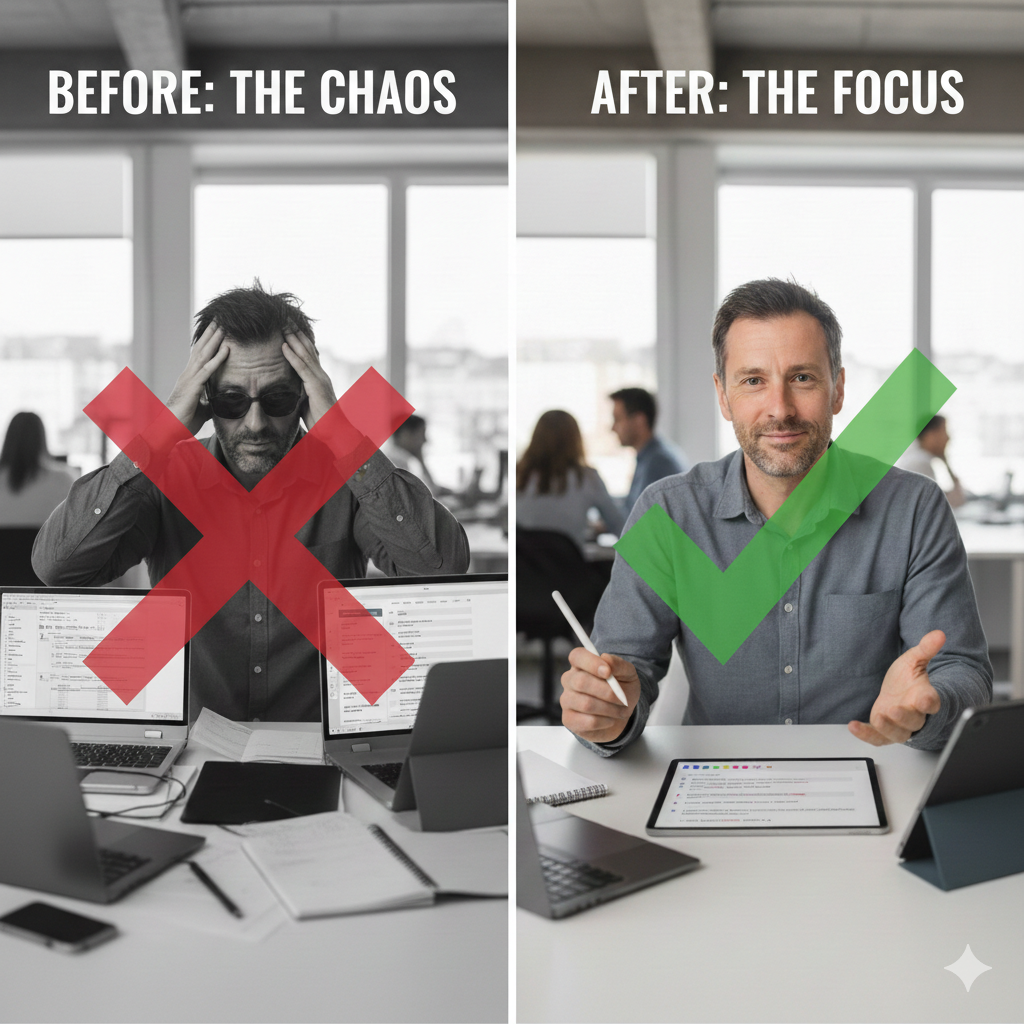
As leaders, our value isn’t in remembering every Jira or GitHub ticket or detail. Our value is in the coaching, the nuance, the connection, and the strategic setting of direction. If I can use a Gem to handle the ‘data retrieval’ part of my brain, I have 100% of my ‘human’ brain available to actually listen to my team.
Be honest: How often are you “prepping” for a 1:1 while the person is already talking? If you are then why not try this out as a first step into the world of AI?
I’m sure in years to come I’ll look back at my prompt and laugh at myself - but it’s a start. Are you doing something similar? Anything you would suggest to make this better and more effective? Any similar use cases you have used?